Contents
Are you bored with simple, flat Telugu fonts? Do you want a font that pops out of the screen? Meet Nandakam Regular, one of the most stylish and unique OpenType fonts available for the Telugu language.
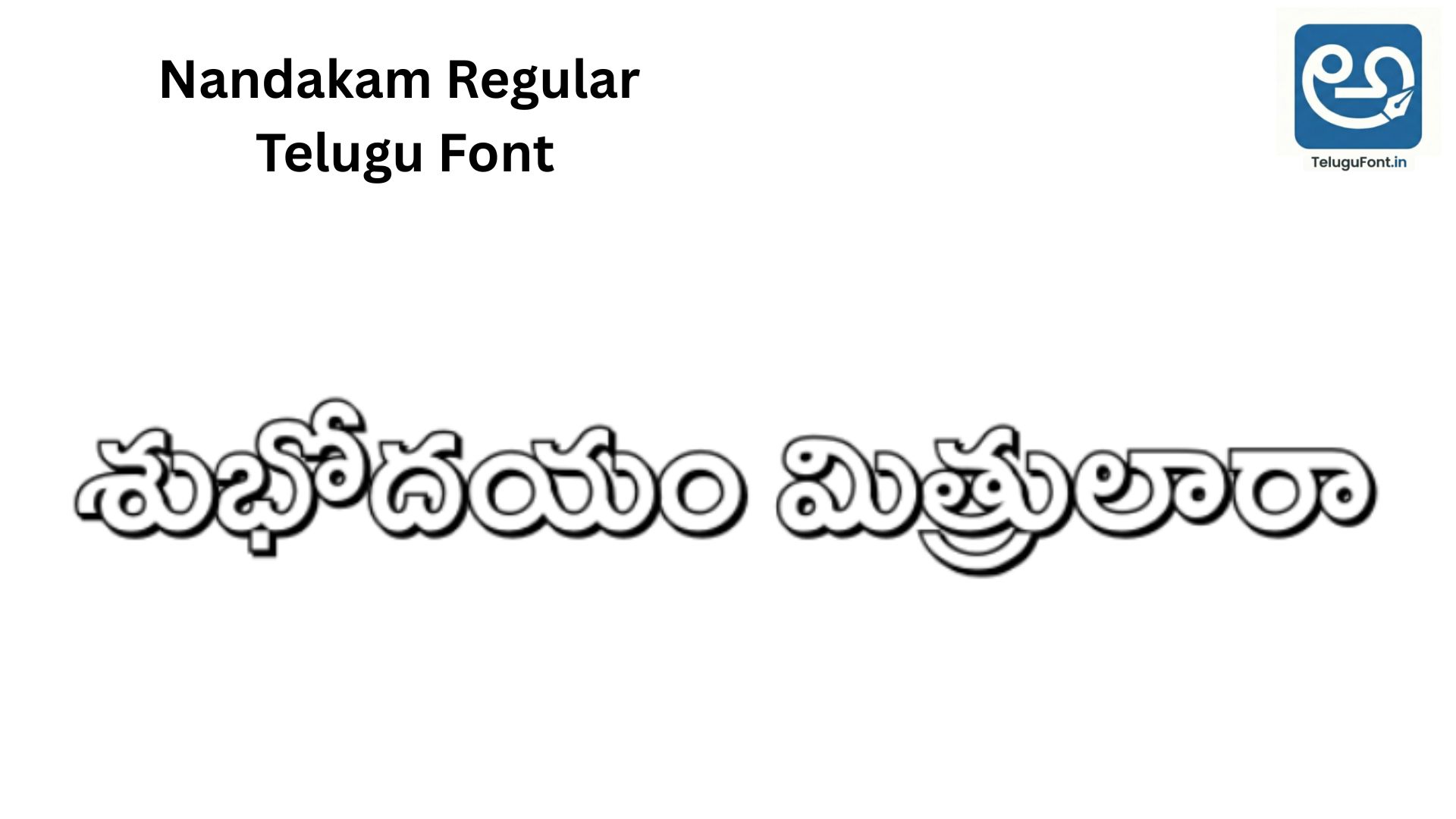
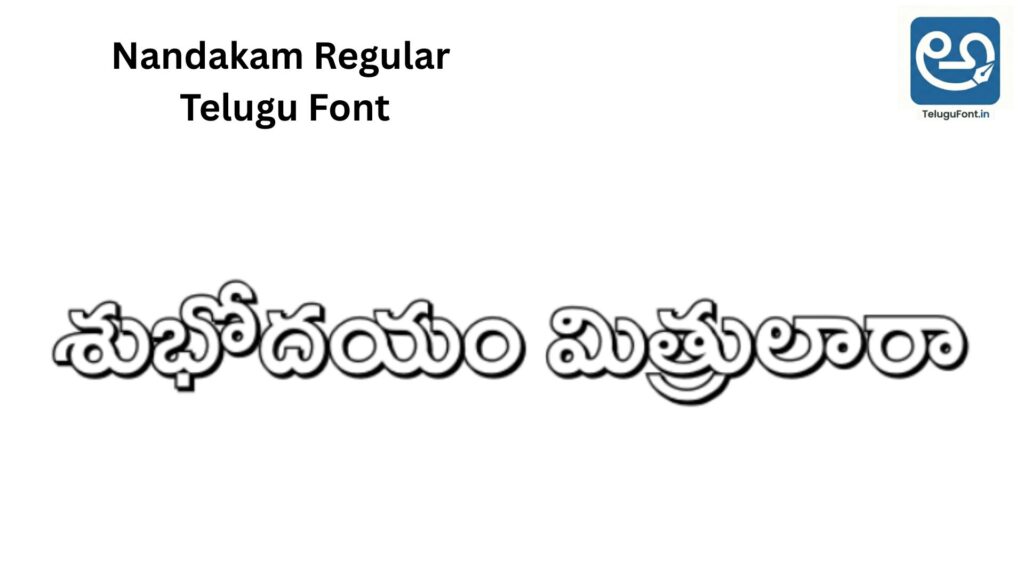
Unlike standard fonts that look plain, Nandakam Regular is famous for its “Shaded Design”. It naturally looks like it has a shadow or a 3D effect, making it the number one choice for magazine headlines, newspaper advertisements, and creative book covers.
With over 1.5 Lakh downloads, this font is a favorite among professional designers who want to create eye-catching designs without spending hours on Photoshop effects. In this article, we will guide you on how to download, install, and use this beautiful font.
| ⚡ Font Snapshot | |
|---|---|
| Font Name | Nandakam Regular |
| Unique Feature | Shaded / 3D Effect |
| File Size | 344.1 KB (High Detail) |
| Downloads | 155,455+ |
| Best For | Headings & Magazines |
Why is Nandakam Regular So Special?
The main reason users love Nandakam Regular is its Intrinsic Shading. Usually, if you want a “Shadow” or “3D” look, you have to apply effects in software like Photoshop. But with Nandakam, the shadow is built inside the letters!
- Ready-Made Style: Just type, and it looks designed.
- Magazine Favourite: You have likely seen this font in popular Telugu weeklies (Vaara Patrikalu) for story titles.
- Heavy Weight: It is a thick font, meaning it commands attention. It is not for small body text; it is for Headlines.
Live Font Preview
Since this is a shaded font, you must see it in action to appreciate it. Type your name or a title below to see the unique calligraphy.
Test the “Shaded” 3D Look:
Technical Details & File Info
- Font Name: Nandakam Regular
- File Size: 344.1 KB (Note: This is larger than normal fonts because the “Shaded” details require more data).
- Format: OpenType (OTF) – Works on all modern computers.
- Downloads: 155,455+ users have trusted this font.
- Rating: 3.87/5 (Rated by 98 users).
How to Install Nandakam Regular
For Windows (Laptop/PC):
- Download the font file from the link below.
- Open the folder and find
Nandakam.ttfor.otf. - Right-click on the file and choose “Install”.
- Tip: If you are using MS Word, the shadow effect will show up automatically when you increase the font size (use size 24 or more).
For Mobile (Android):
- Download the file to your phone.
- Open an editing app like Pixellab.
- Import the font.
- Pro Tip for Mobile: Since mobile screens are small, use a bright colour (like Yellow or Cyan) for this font to make the shading details visible.
📥 Download Nandakam Regular
Add a unique 3D touch to your designs today.
⬇ Download FontTotal Downloads: 155,455 | 100% Secure
Extended Design Guide: Using Nandakam Effectively
1. The “Retro” Magazine Look Nandakam has a classic “Retro” feel. It reminds people of the 80s and 90s Telugu cinema titles.
- Recommendation: Use this font for designing nostalgic posters or “Old Movie” review thumbnails on YouTube.
2. Why is the File Size 344 KB?
You might notice that Nandakam is 344 KB, while other fonts are only 50 KB. This is because of the Vector Complexity. Every letter in this font has extra lines to create the “Shaded” effect. This high quality ensures that even if you print it on a 10-foot banner, the shadow won’t look blurry.
3. Pairing Fonts Since Nandakam is a “Decorative” font, never use it for full paragraphs. It will be very hard to read.
- Heading: Nandakam Regular (Size 40pt+)
- Body Text: Mandali or Dhurjati (Size 12pt)
- Why? The clean lines of Mandali balance the heavy decoration of Nandakam.
Troubleshooting Common Errors
- Problem: The font looks “jagged” or “rough” in MS Word.
- Solution: This happens if “Font Smoothing” or “ClearType” is turned off in Windows. Go to Control Panel > Fonts > Adjust ClearType Text to fix it.
- Problem: I can’t see the shading on my phone.
- Solution: The shading is detailed. If your font size is too small (like 10px), the lines merge. Increase the size to at least 30px.
Related Fonts You Might Like: If Nandakam is too decorative for you, try these:
- Potti Sreeramulu: A very standard, clean font.
- Nandini Regular: Similar name, but simpler design.
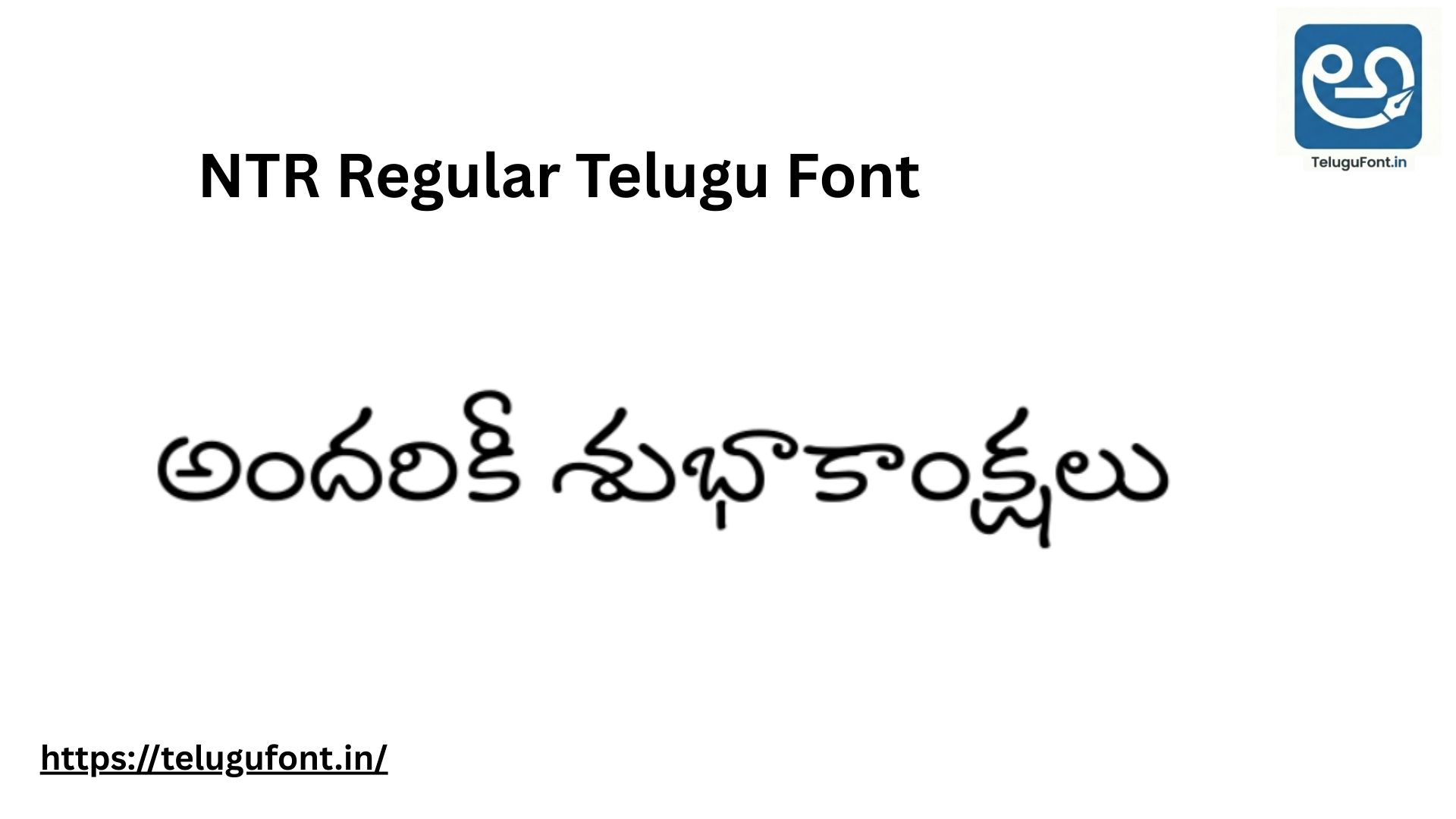
- NTR Regular: Modern and rounded.
Frequently Asked Questions (FAQ)
Q: Can I use this for a Logo Design? A: Absolutely! Because it already has a unique style, it makes for a great logo logotype without needing much editing.
Q: Is it readable in black and white print? A: Yes. The shading is designed using “negative space” or lines, so it prints perfectly even on black-and-white laser printers (like for school question papers).
Q: Does it support complex Telugu letters (Vatthulu)? A: Yes, it is an OpenType font with full support for Guninthalu and Vatthulu. The shading effect applies correctly even to the subscripts.
Q: Can I change the colour of the shadow? A: No, because the shadow is part of the font shape itself, it will always be the same colour as the main letter. However, you can create a “Dual Color” effect in Photoshop by duplicating the text layer, making the bottom layer black (for shadow), and slightly offsetting it.
Q: Does this font work for 3D Printing? A: Yes! Because the font has thick, solid walls, it is excellent for 3D printing nameplates or keychains. The “shading” lines might need to be filled in depending on your printer resolution, but the outline is very 3D-friendly.
Q: Is Nandakam Regular good for T-Shirt printing? A: Yes, but avoid using it for small chest pockets. Use it for large back prints or centre chest designs. The detailed shading looks fantastic in “Screen Printing” and “Vinyl Cutting.”
Q: Why don’t I see the shading in Notepad? A: Notepad is a basic text editor that often simplifies font rendering. To see the full beauty of the shading, please view the font in WordPad, MS Word, Photoshop, or a Browser.
Conclusion:
Nandakam Regular is a gem in the world of Telugu typography. It brings character, style, and a 3D feel to your text instantly. Whether you are a student, a DTP operator, or a professional graphic designer, this font is a must-have in your collection.
If you have any trouble downloading, let us know in the comments. Happy Designing!