Contents
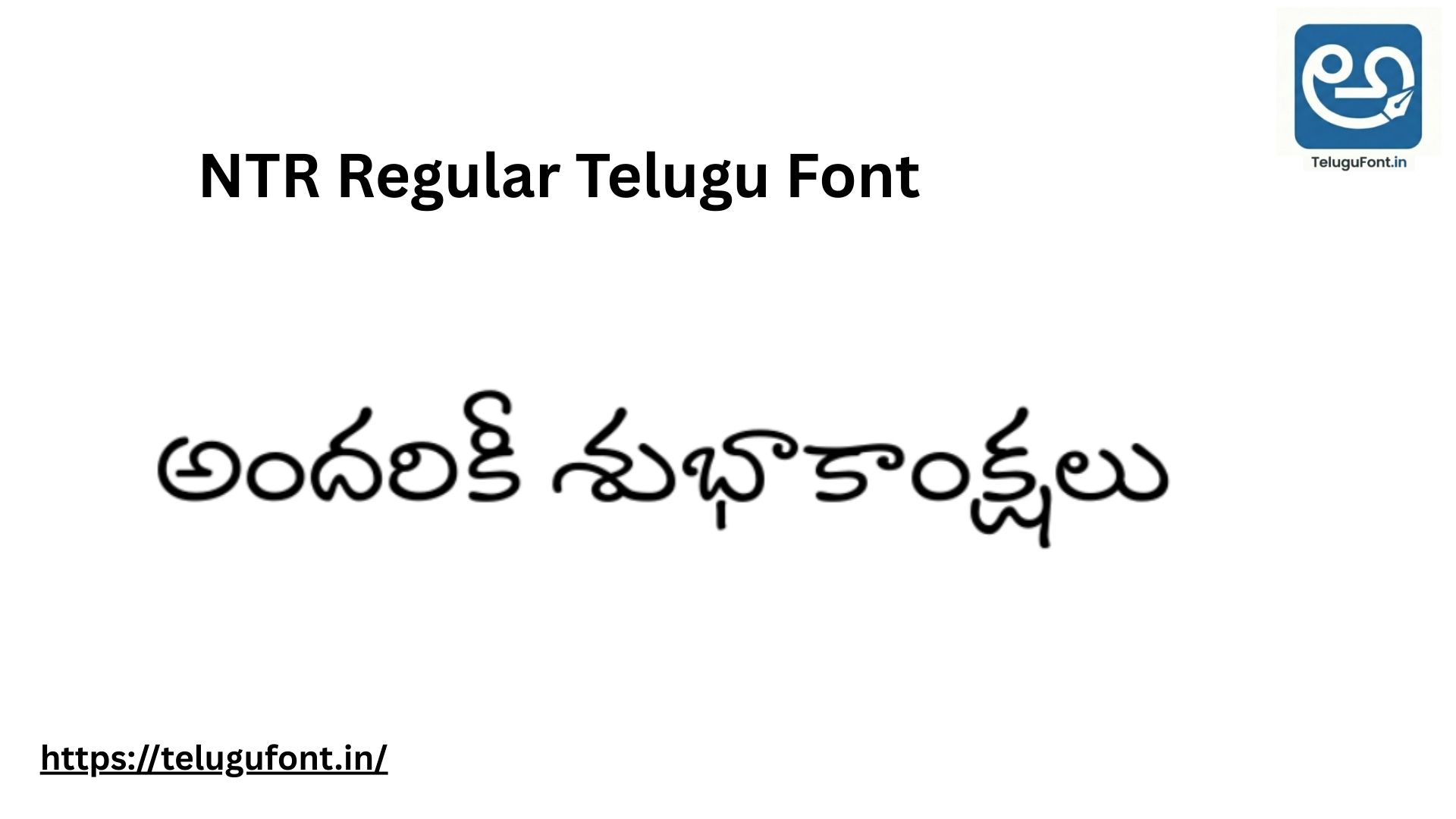
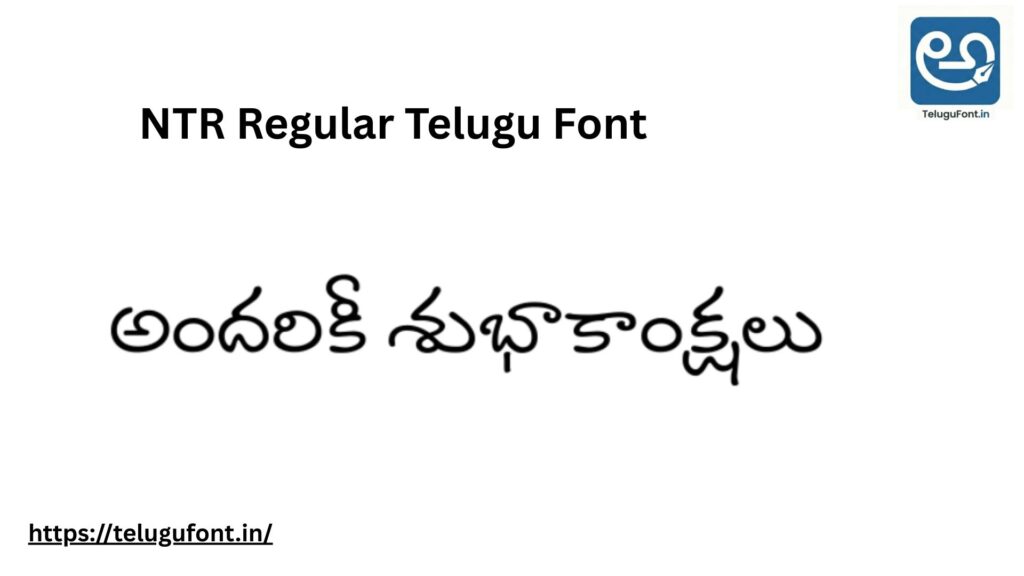
If you are looking for a Telugu font that looks modern, clean, and friendly, NTR Regular is your best choice. Unlike traditional fonts that look very formal and “pointy,” NTR Regular has smooth, rounded curves that make it very easy to read on mobile screens and computer monitors.
With nearly 80,000 downloads, this font is a favourite among web designers and bloggers because it is extremely lightweight. The file size is just 84.1 KB, which means it loads instantly without slowing down your computer or website.
In this post, we will explore the features of NTR Regular, provide a live preview, and give you the direct download link.
| ⚡ Font Snapshot | |
|---|---|
| Font Name | NTR Regular |
| Style | Modern / Rounded |
| File Size | 84.1 KB (Super Light) |
| Downloads | 79,066+ |
| Best For | Websites & Casual Typing |
Why Choose NTR Regular? (Design Features)
NTR Regular was designed to be a “Humanist” typeface. This means it mimics natural handwriting while maintaining the discipline of a printed font.
- Round & Soft: If you observe letters like “Ra” (ర) or “Ta” (త), they are perfectly circular. This gives a very pleasant and welcoming vibe to your text.
- Web Friendly: Because it is so small (only 84 KB), it is one of the best fonts to use for Telugu websites and blogs. It renders clearly even on low-resolution Android phones.
- Casual Style: It is perfect for invitation cards, children’s books, and social media posts where you want the text to look friendly, not strict.
Live Font Preview
See the difference yourself! Type a sentence below to see how soft and readable the NTR Regular font is.
Test the “Modern” Look:
Best Use Cases for NTR Regular:
Since this is a simple and neat font, we recommend using it for:
- Social Media Quotes: Use it for “Good Morning” quotes or motivational status updates on WhatsApp.
- Website Body Text: It is excellent for reading long stories or articles online.
- Kids’ Content: The rounded letters look playful, making it great for school worksheets and storybooks.
Technical Details:
- Font Name: NTR Regular
- File Size: 84.1 KB (Very Light)
- Format: OpenType (Installable on Windows/Mac/Linux)
- Rating: 3.68/5 (Rated by 68 users)
How to Install NTR Regular
For Windows Users:
- Download the file from the button below.
- Open the folder and look for the
.ttfor.otffile. - Right-click and select “Install”.
- Open MS Word and search for “NTR” in the font list.
For Android Mobile Users:
- Download the font to your phone.
- Open apps like PicsArt, Phonto, or Pixellab.
- Use the “Add Font” feature to import the file.
- Now you can create beautiful Telugu status images!
📥 Download NTR Regular
Lightweight, Clean, and Free.
⬇ Download FontTotal Downloads: 79,066 | 100% Virus Free
NTR vs. Other Fonts
Many users ask us how NTR is different from other popular fonts. Here is a quick comparison:
- NTR vs. Gautami: Gautami is the default Windows font. It is functional but boring. NTR has more personality and style.
- NTR vs. Mandali: Mandali is slightly taller and more condensed. NTR is wider and more rounded.
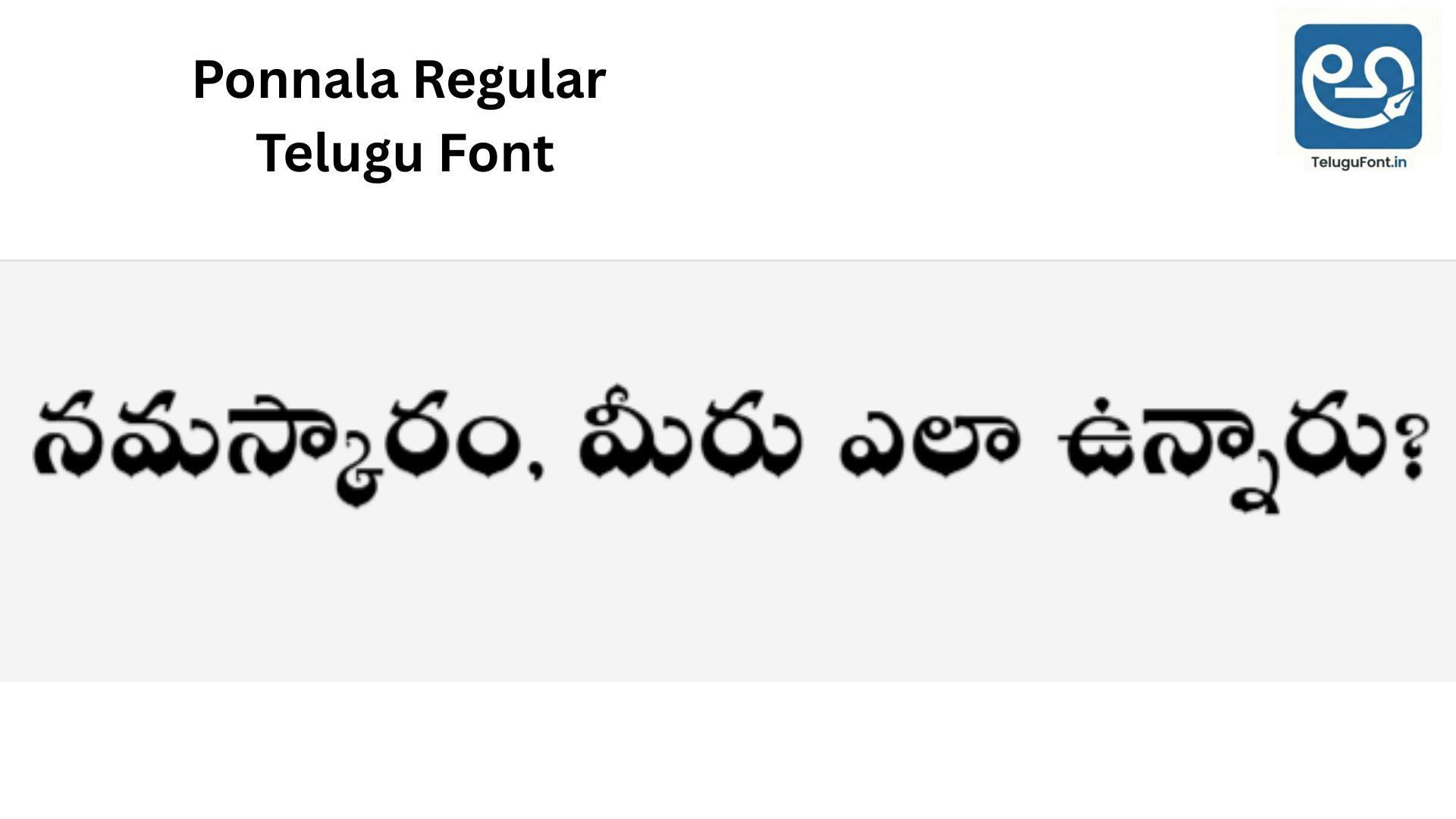
- NTR vs. Ponnala: Ponnala is a heavy “Display” font for banners. NTR is a “Content” font for reading.
Tips for Designers
- Spacing: NTR looks best with a little bit of extra line spacing (1.2 or 1.5). This allows the rounded loops to breathe.
- Colours: This font looks great in soft colours like pastel blue, green, or dark grey. Avoid using neon colours with this font, as it ruins the “soft” look.
Frequently Asked Questions (FAQ)
Q1: Can I use NTR Regular for my business logo or YouTube channel? A: Yes, absolutely. NTR Regular is released under the SIL Open Font License (OFL). This is a free license that allows you to use the font for personal projects, school homework, and even commercial purposes like company logos, business cards, shop banners, and monetized YouTube videos. You do not need to pay any fee or ask for permission.
Q2: Who developed this font? A: This font was designed by Purushoth Kumar Guttula as part of the Silicon Andhra initiative. This project was started with the noble goal of providing high-quality, open-source fonts to the Telugu community so that our language can thrive in the digital age.
Q3: Why does the text look smaller than other fonts? A: NTR Regular has a slightly smaller “x-height” (the height of small letters) compared to heavy display fonts like Ponnala or Nandakam. If you feel the text is too small, simply increase the font size by 2 to 4 points (e.g., if you usually type in size 12, use size 14 for NTR). This will make it perfectly readable.
Q4: Does it support complex combined letters (Vatthulu)? A: Yes, NTR Regular is fully Unicode Compliant. Whether you type simple words like “Amma” (అమ్మ) or complex words with multiple subscripts like “Swatantryam” (స్వాతంత్ర్యం), the letters will render correctly. If you see broken letters, please ensure your software (like Photoshop or MS Word) supports “Complex Scripts.”
Q5: How do I use this font on my WordPress website? A: Since NTR is available in the Google Fonts library, it is very easy to add. You can either use a plugin like “Easy Google Fonts” or add the standard CSS import code to your site’s header. Because the file size is only 84 KB, it is one of the fastest-loading Telugu fonts for blogs and news sites.
Q6: Can I install this on my iPhone (iOS)? A: iOS does not allow direct font installation like Android. However, you can use third-party apps like iFont or AnyFont to install the .ttf file. Once installed via these apps, you can use NTR Regular in apps like Pages, Keynote, and LumaFusion.
Q7: Is NTR Regular a Google Font? A: Yes! NTR is available in the Google Fonts library, which means it is open-source and follows high web standards.
Q8: Can I use it for commercial projects? A: Yes, since it is an Open Source project, you can use it for commercial logos, websites, and print designs for free.
Q9: Why is the file size so small? A: The developers optimised the vector paths efficiently, removing unnecessary data points while keeping the curves smooth. This makes it a high-performance font.
Conclusion:
NTR Regular is the perfect balance of simplicity and beauty. Whether you are typing a letter to a friend or designing a modern website, this font will make your Telugu text look fresh and professional.
Download it today and experience the difference!